WhatsApp is the world's most popular messaging app, used by over 2 billion people daily. Most people don't know that you can send completely blank messages or set an empty status using invisible Unicode characters — and it's surprisingly easy to do.
What Are Invisible Characters?
Invisible characters are Unicode code points that render as zero-width or zero-height glyphs. They take up no visible space but are treated as valid text by apps like WhatsApp. The most useful ones are the Zero Width Space (U+200B), the Hangul Filler (U+3164), and the Braille Pattern Blank (U+2800).
How to Send a Blank WhatsApp Message
Sending a blank message takes just a few seconds.
Step 1 — Copy an Invisible Character
Visit the invisible text generator for WhatsApp and click the Copy button next to any invisible character. The character is now on your clipboard.
Step 2 — Open a WhatsApp Chat
Open WhatsApp on your phone or in WhatsApp Web and navigate to any conversation.
Step 3 — Paste and Send
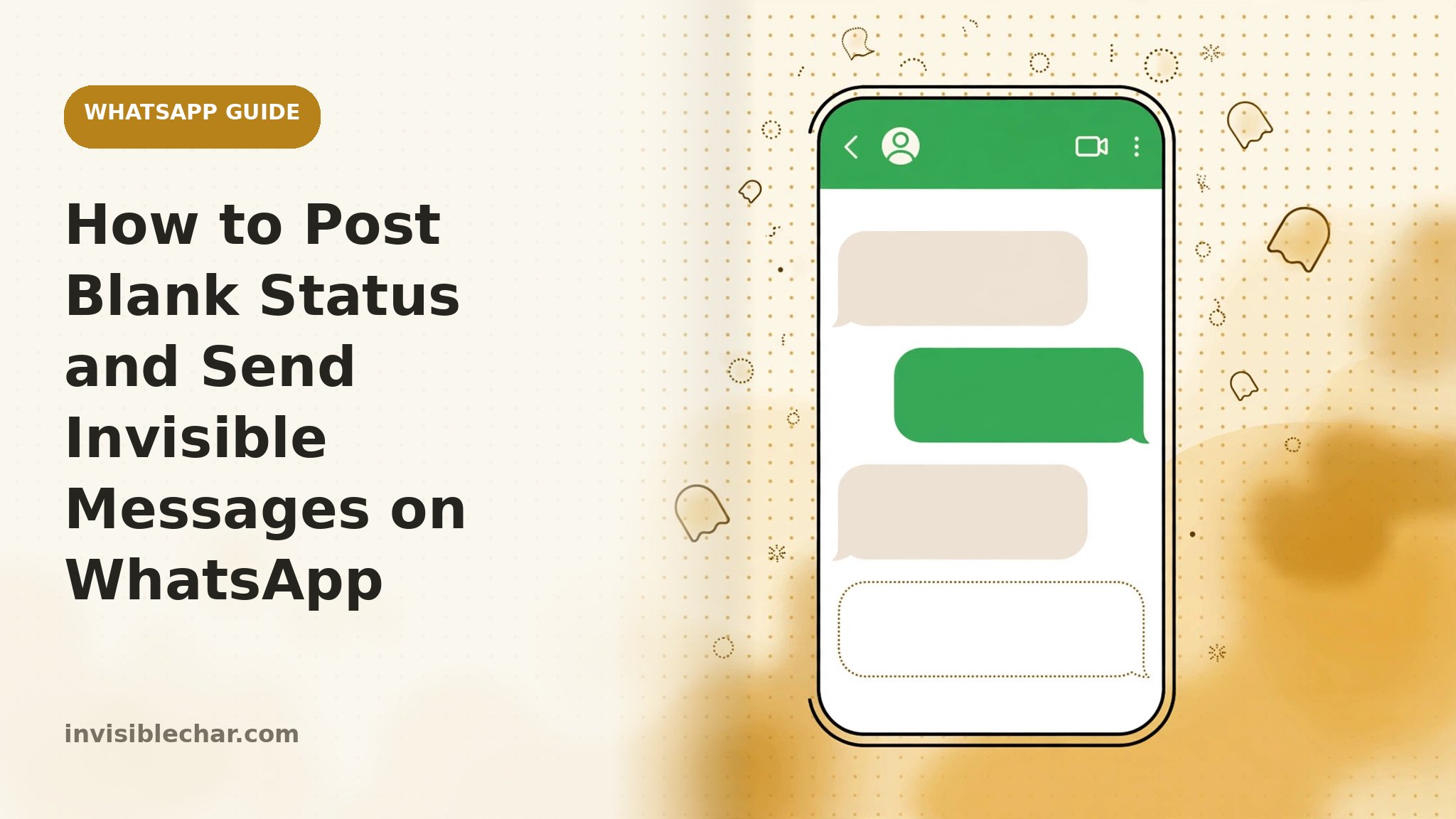
Tap the message input field, paste the invisible character, and hit Send. The recipient will see a message with no visible content at all.
How to Post a Blank WhatsApp Status
The same technique works for your status. Go to Status → Add Status → Text, paste an invisible character, and post. Your status will appear as a solid colour with no text — a minimal, eye-catching look.
Blank "About" Section
Navigate to Settings → Profile and replace your About text with an invisible character to make that field appear completely empty.
Is It Safe?
Yes. Invisible Unicode characters are standard characters fully supported by WhatsApp on iOS and Android. They do not affect app performance or account safety.